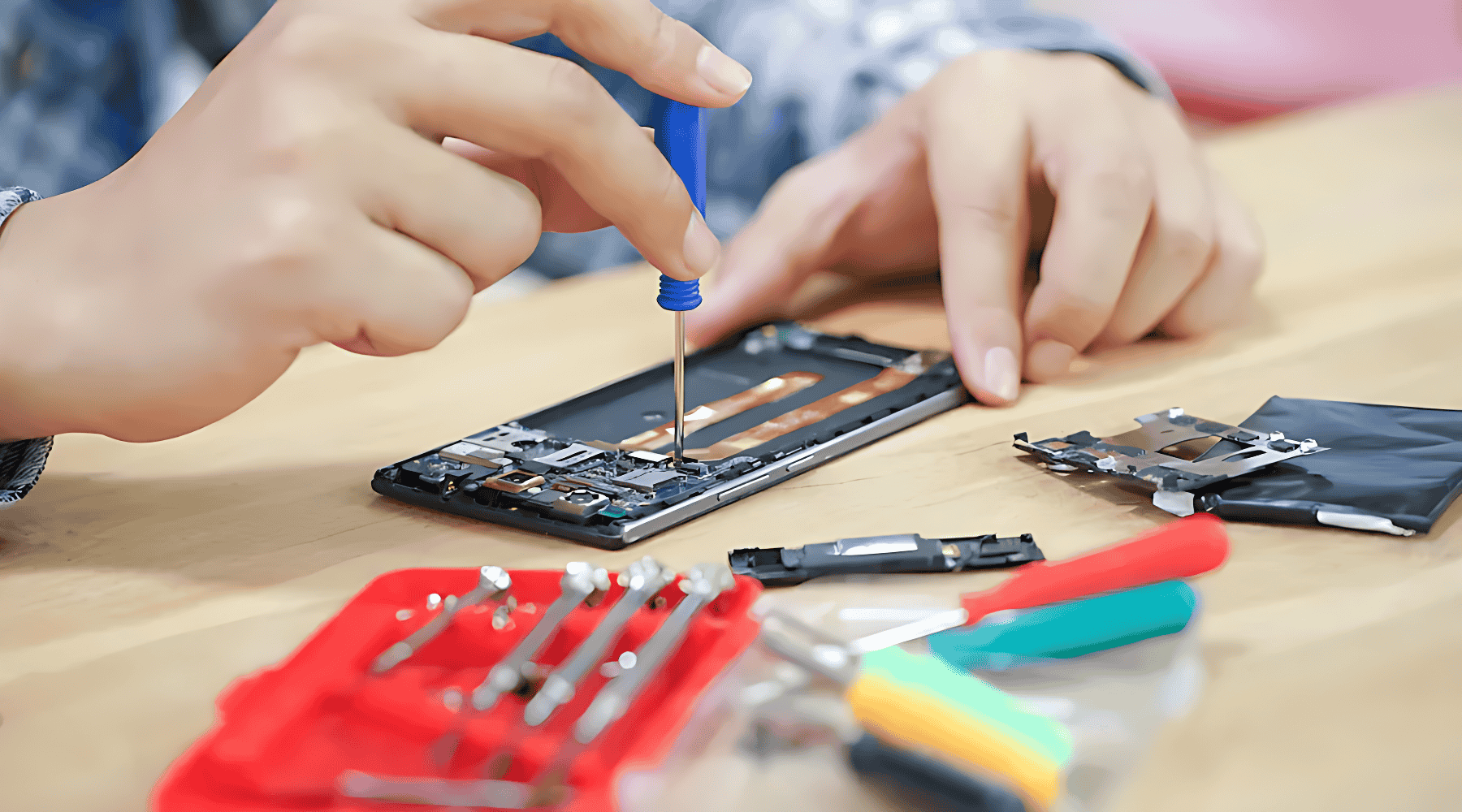
Smartphones have become an essential part of our daily lives. We rely on them for communication, entertainment, work, payments, navigation, and even security. But like all electronics, phones develop problems—sometimes due to usage habits, sometimes because of apps or software glitches, and often because of accidental damage.
The good news is that most phone issues are easy to fix if you understand what causes them and take quick action. Whether you’re using an iPhone, Samsung, Xiaomi, Vivo, Oppo, Motorola, OnePlus, or any other brand, the types of problems you face are often similar.
“Every problem has a solution—what matters is knowing where to look.”
This guide explains the most common smartphone issues and provides simple, practical solutions anyone can follow. It’s written for both everyday users and those learning mobile repair.
1. Cracked or Broken Display
A cracked screen is one of the most common smartphone problems. Modern phones use glass displays for clarity and touch responsiveness, but this also makes them fragile.
Common Causes
- Accidental drops
- Pressure on the pocket
- Falling off the bed or table
- Sharp objects inside bags
Solutions
- If the crack is minor, apply a tempered glass to prevent it from spreading.
- If touch stops working or lines appear, replace the display.
- Choose original or premium-grade compatible screens for long-term use.
- Use a shock-absorbing case and a screen protector to prevent future damage.
Important Tip:
Display replacement costs vary widely between brands. Check pricing before purchasing a phone or spare part.
2. Charging Port Problems
Charging port issues are extremely common because the port is used daily and exposed to dust, lint, and frequent pressure.
Symptoms
- Phone charges only when the cable is moved
- Slow charging
- Intermittent charging
- No charging at all
Causes
- Dust or lint inside the port
- Worn-out pins
- Faulty cable or adapter
- Water or moisture damage
Solutions
- Clean the charging port with a soft brush or wooden toothpick (never use metal).
- Try a different cable and adapter.
- Check for loose or wobbly ports, which require port replacement.
- Use high-quality original or certified accessories.
Preventive Tip
Avoid using the phone while charging. This puts extra pressure on the port and loosens it over time.
3. Battery Draining Fast
Modern lithium-ion batteries degrade naturally over time, but fast battery drain may indicate deeper problems.
Common Causes
- Too many apps running in the background
- Screen brightness set too high
- Weak network coverage
- Background syncing
- Aging battery
- Heavy gaming or streaming
- Battery-intensive apps
Solutions
- Enable Battery Saver or Low Power Mode.
- Keep brightness on auto or reduce manual brightness.
- Turn off Bluetooth, GPS, or Wi-Fi when not needed.
- Remove apps that drain battery excessively.
- Replace the battery if it is worn out.
Modern Battery Care Facts (Updated)
To extend battery life:
- Avoid letting your phone drop below 20% frequently.
- Avoid charging to 100% all the time—80% is healthier for long-term battery life.
- Enable Optimized Battery Charging (iPhone/Samsung/OnePlus).
- Avoid fast charging continuously; mix between normal and fast charging.
4. Freezing or Hanging Issues
A phone that freezes or becomes unresponsive can be frustrating.
Causes
- Low storage
- Unoptimized apps
- Outdated software
- RAM overload
- Malware
Solutions
- Restart the phone once a day.
- Clear app cache (Android).
- Uninstall unnecessary apps.
- Update apps and system software.
- Check storage—keep at least 20% free space.
- Use antivirus or malware scanners if needed.
If the device still hangs, it may require a factory reset or software flashing.
5. Slow Performance
Slow phones are extremely common, especially as devices age.
Common Causes
- Too many apps installed
- Background processes
- Low internal storage
- Failing storage chip (EMMC/UFS)
Solutions
- Clear cache regularly.
- Delete duplicate files and heavy media.
- Move photos/videos to cloud or external storage.
- Restore factory settings if slowing becomes severe.
Note:
Avoid using memory cleaning apps that promise speed boosts—they often make performance worse.
6. Overheating Problems
Phones heat up naturally under heavy use, but excessive heat needs attention.
Causes
- Intense gaming
- Video streaming
- Weak network
- Background apps running
- Charging while using
- Poor ventilation
Solutions
- Give the phone short breaks during heavy use.
- Remove the cover while charging.
- Avoid using fast charging continuously.
- Update apps—poor coding may cause heat.
- Reset or replace battery if overheating persists.
Important:
Severe overheating can damage internal components like the motherboard, display, and battery.
7. Network and Signal Issues
Weak or fluctuating network is a common issue in many locations.
Causes
- SIM card problems
- Faulty network bands
- Physical damage to antenna
- Software bugs
Solutions
- Remove and clean the SIM card.
- Try the SIM in another phone.
- Reset network settings.
- Update system software.
- Contact your network provider for coverage issues.
If none of these work, the antenna or baseband IC might need repair.
8. Wi-Fi or Bluetooth Not Working
Wireless connectivity issues often occur due to software glitches or hardware damage.
Solutions
- Restart the device and router.
- Forget and reconnect to networks.
- Reset network settings.
- Toggle Airplane Mode.
- Remove recently installed apps that may interfere.
If both Wi-Fi and Bluetooth fail together, the network IC may be damaged.
9. Touchscreen Not Responding
Touchscreen problems range from partial to complete unresponsiveness.
Causes
- Screen damage
- Moisture
- Dust
- Software glitches
- Ghost touch (input without touching)
Solutions
- Clean the screen surface.
- Restart the device.
- Remove screen protectors (sometimes block sensors).
- Replace the display if the touch layer is damaged.
- Update firmware—ghost touch is sometimes software-related.
10. App Crashes or Not Opening
Apps may stop working suddenly due to corrupt data, updates, or compatibility issues.
Solutions
- Update the app
- Clear cache (Android)
- Reinstall the app
- Restart phone
- Check for OS updates
- Ensure enough free storage
If system apps crash frequently, the operating system may need flashing.
11. Camera Not Working Properly
Camera issues are common, especially after physical impact.
Symptoms
- Blurry photos
- Camera not opening
- “Camera failed” message
- Black screen
- Focus not working
- Lens shaking or buzzing
Solutions
- Clean the lens
- Restart the phone
- Remove case blocking the lens
- Update camera app and OS
- Reset settings
- Replace the camera module if hardware is damaged
12. Audio Problems (Speaker, Earpiece, Microphone)
Sound issues can occur due to:
- Dust
- Wear and tear
- Moisture
- Damaged ICs
Solutions
- Clean speaker grills
- Test with earphones
- Restart phone
- Check if phone is in Silent mode
- Replace speaker or mic module if needed
13. Phone Restarting Automatically
A phone that restarts by itself may have:
- Battery issues
- Software crashes
- Hardware faults
- Moisture in motherboard
Solutions
- Update software
- Remove recently installed apps
- Reset the device
- Replace battery
- Check motherboard for corrosion
14. Storage Full Even When You Deleted Files
This happens due to:
- System cache
- Hidden folders
- WhatsApp media buildup
- Corrupt storage
Solutions
- Clear cached data
- Delete duplicated media
- Upload files to cloud storage
- Move media to SD card (if supported)
- Reset phone if storage is corrupted
15. Phone Not Turning On
A dead phone is usually due to:
- Drained battery
- Faulty power IC
- Short circuit
- Software crash
- Damaged charging port
Solutions
- Charge for at least 20 minutes
- Try another cable and adapter
- Force restart
- Connect to a computer to detect the device
- Seek technician help if hardware is damaged
“When your phone stops responding, stay calm—most solutions begin with a simple reset.”
16. Proximity Sensor Not Working
This causes the screen to stay ON during calls, leading to accidental touches.
Solutions
- Remove thick screen protectors
- Test sensor using phone dial codes
- Update software
- Replace broken sensor module
17. Fingerprint or Face Unlock Not Responding
Causes
- Dirty sensor
- Moisture
- Scratches on the sensor area
- Software bugs
- Hardware wear
Solutions
- Clean the sensor
- Remove and re-add fingerprints or face data
- Update software
- Replace faulty sensor module
- Check for original display—many third-party screens affect fingerprint accuracy
18. Slow Charging or Not Charging Properly
Solutions
- Use original or certified fast chargers
- Clean the port
- Replace cable
- Check adapter wattage
- Disable background apps while charging
- Avoid charging in hot environments
Conclusion
Smartphones may develop various problems over time, but most issues are simple to fix once you understand the causes. With the right maintenance, careful usage, and timely troubleshooting, you can extend the life of your device and avoid unnecessary repair costs.
“A well-maintained phone performs better and lasts longer—treat it with care, and it will serve you well.”
If a problem persists even after trying the solutions, it may require professional repair. Acting early often prevents bigger issues like motherboard damage or complete device failure.