
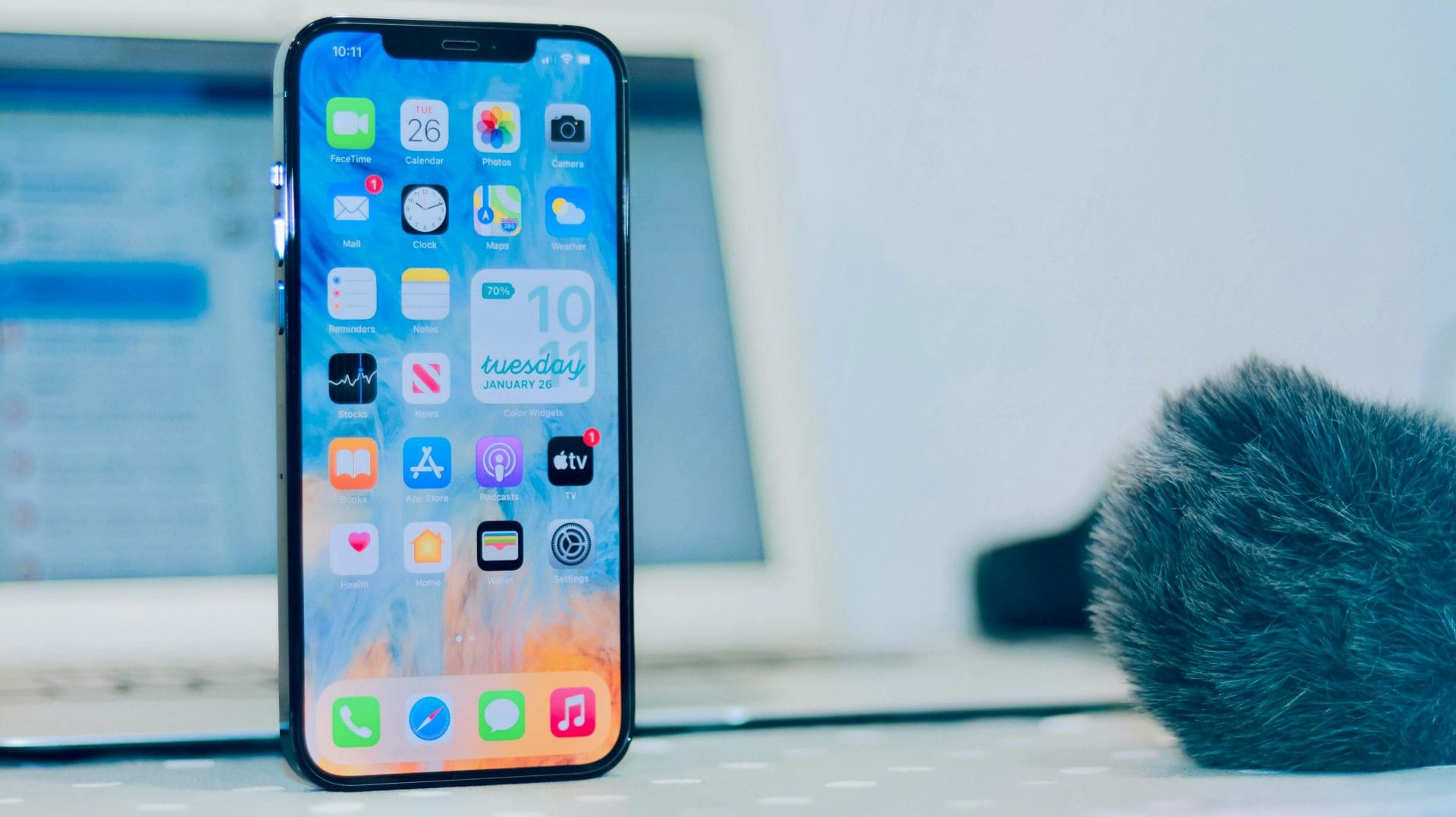
Digital payments continue to evolve at a remarkable pace, and Apple has just taken another major step forward by expanding Tap to Pay on iPhone to Hong Kong. This simple but powerful feature turns an ordinary iPhone into a secure, fully functional payment terminal—no extra hardware, no cables, and no complex setup.
For small businesses, freelancers, mobile service providers, and even large retail stores, this rollout opens the door to a faster, seamless, and more flexible checkout experience.
As Apple often says through its technology: “When payments become effortless, businesses become limitless.”
Tap to Pay on iPhone is not just a convenience—it’s a shift in how payments will work in the future.
This article breaks down everything you need to know:
✔ what Tap to Pay on iPhone is,
✔ how it works,
✔ who can use it,
✔ which payment providers support it,
✔ and how this rollout may transform Hong Kong’s payments ecosystem.
What Is Tap to Pay on iPhone?
Tap to Pay on iPhone is a feature that allows merchants to accept contactless payments directly on their iPhone. Instead of using a payment terminal or additional device, the iPhone itself becomes the payment acceptance tool.
With this feature, businesses can accept:
- Apple Pay
- Contactless credit cards
- Contactless debit cards
- Digital wallets on iPhone, Apple Watch, and Android devices
- Supported cards from leading networks like Visa, Mastercard, JCB, American Express, and UnionPay
No extra hardware is needed.
No card machines.
No Bluetooth accessories.
Just an iPhone 11 or later.
This brings payment flexibility to a whole new level, especially for small and mobile businesses.
How Tap to Pay on iPhone Works
Apple designed Tap to Pay to be simple and intuitive. Here’s how the process works:
1. Merchant uses an iPhone 11 or newer
The device must be running the latest version of iOS and connected to a supported payment platform such as Adyen, Global Payments, KPay, or SoPay.
2. Payment happens via NFC
The built-in NFC chip in the iPhone detects the customer’s contactless card or device.
3. Customer taps their card or device
They can use:
- Contactless credit or debit cards
- Apple Pay on iPhone
- Apple Watch
- Other NFC-based wallets on Android
4. Payment processes instantly
Funds are processed securely. The merchant sees confirmation on the screen within seconds.
As Apple explains:
“Merchants simply prompt the customer to hold their contactless card or device near their iPhone, and the payment is securely completed using NFC technology.”
There’s no extra equipment to maintain or troubleshoot, which reduces operational headaches for merchants.
Why Tap to Pay Matters: The Bigger Picture
Payments have always shaped how businesses operate. From cash to cards to QR codes and now to device-to-device payments, the industry keeps moving toward convenience and speed.
Tap to Pay on iPhone fits perfectly into this evolution.
• It empowers businesses of all sizes
Anyone—from a large luxury store to a freelance makeup artist—can now accept payments professionally without investing in terminals.
• It supports mobility
Mobile businesses like taxi drivers, market vendors, technicians, and home service providers can carry nothing but their iPhone and still accept secure payments.
• It enhances customer experience
Shorter queues, faster checkout, fewer technical issues.
• It supports digital wallets used by both locals and tourists
Hong Kong has a strong mix of international visitors, and Tap to Pay ensures card compatibility across popular global networks.
• It reduces cost for new businesses
Traditional POS terminals can be expensive to rent or buy. Tap to Pay removes this barrier entirely.
“When payments flow smoothly, customers feel valued and businesses grow faster.”
This shift is expected to significantly boost digital payment adoption, especially among micro and small enterprises.
Supported Platforms in Hong Kong
Four major providers already support Tap to Pay on iPhone:
1. Adyen
A leading global payments company widely used by enterprise retailers, airlines, eCommerce brands, and international chains.
2. Global Payments
A trusted payment services provider used across retail, restaurants, and hospitality.
3. KPay
Popular with small and medium local businesses due to its simple setup and competitive pricing.
4. SoPay
A rising platform serving transport, personal services, and SMEs.
These platforms make Tap to Pay available across industries such as:
- Retail
- Beauty salons
- Food and beverage outlets
- Cafés and bakeries
- Professional services
- Transportation (including taxis)
- Pop-up stores and market stalls
All a merchant needs is to sign up with one of these providers and use their iPhone to start accepting payments immediately.
Which Cards and Wallets Are Supported?
Tap to Pay on iPhone accepts payments from:
Contactless Cards
- Visa
- Mastercard
- UnionPay
- American Express
- JCB
Digital Wallets
- Apple Pay
- Apple Watch
- Supported third-party NFC wallets on Android devices
This broad compatibility ensures that both Hong Kong residents and international visitors can pay easily without worrying about card restrictions.
Security: How Safe Is Tap to Pay on iPhone?
Apple places strong emphasis on security and privacy, especially for payments.
Here’s what makes Tap to Pay secure:
• No card numbers are stored on the device
The merchant’s iPhone never saves the customer’s card data.
• Apple never sees the transaction details
Payment information is encrypted and processed securely by the payment provider.
• Transactions use industry-standard encryption
NFC technology ensures a secure connection between devices.
• Face ID, Touch ID, and passcode protections remain active
The merchant’s device stays locked except when receiving payments.
• No additional hardware reduces attack points
Fewer devices mean fewer risks of tampering.
Apple designed the system so that merchants and customers can complete transactions confidently without worrying about data leakage.
Who Should Use Tap to Pay on iPhone?
Tap to Pay is useful for any business that accepts payments in person. It is especially beneficial for:
1. Small local businesses
Cafés, boutiques, salons, food stalls, home bakers.
2. Mobile or on-the-go professionals
Taxi drivers, delivery providers, electricians, plumbers, freelance artists, fitness trainers.
3. Pop-up shops and events
Exhibitions, festivals, charity drives, temporary booths.
4. Large retailers
They can use Tap to Pay to open additional checkout points during peak hours.
5. Startups and new entrepreneurs
No investment in costly payment terminals is needed.
6. Service industry
Massage therapists, beauty services, photographers, tutors.
Any business that wants to reduce friction and offer modern payment options can benefit from Tap to Pay on iPhone.
Advantages of Tap to Pay for Hong Kong Businesses
Hong Kong is known for its fast-paced retail and service industry. Tap to Pay brings several benefits:
1. Faster checkout
No card insertion, no waiting for terminals, no cables.
2. Fewer operational costs
No POS machine fees or maintenance.
3. Easy onboarding
Businesses can start accepting payments the same day.
4. More flexibility
Move around freely—your iPhone is your POS.
5. Improved customer experience
Tourists and locals can pay using any major card or wallet.
6. Better scalability
Perfect for businesses that expand or rotate staff frequently.
7. Reliable performance
Built on Apple’s secure NFC technology.
8. No paperwork for renting payment terminals
Everything is handled digitally.
These advantages make Tap to Pay ideal for Hong Kong’s evolving retail landscape.
How to Start Using Tap to Pay on iPhone
Merchants can get started in a few simple steps.
Step 1: Use a compatible device
- iPhone 11 or later
- Latest version of iOS
Step 2: Choose a supported payment provider
- Adyen
- Global Payments
- KPay
- SoPay
Step 3: Complete registration on the provider’s app
Step 4: Enable Tap to Pay inside the app’s settings
Step 5: Start accepting payments
Customers simply tap their card or device on the merchant’s iPhone, and the transaction completes within seconds.
No hardware installation. No training required.
How Tap to Pay Can Transform the Future of Retail in Hong Kong
The arrival of Tap to Pay comes at a time when consumers expect fast, touch-free, and reliable payment experiences. Hong Kong has always been at the forefront of digital payments, thanks to services like Octopus and contactless cards. Tap to Pay enhances this landscape by making payment acceptance accessible to everyone—not just large retailers.
Here’s how it will reshape the market:
- Boost adoption of digital payments among small businesses
- Reduce dependency on physical POS terminals
- Improve cashless transactions in taxis and mobile services
- Increase convenience for tourism
- Allow businesses to operate from virtually anywhere
As more sectors explore mobile-based payment systems, Tap to Pay could become a standard part of everyday transactions.
Conclusion
Tap to Pay on iPhone is more than a new feature—it’s a turning point for how businesses in Hong Kong accept payments. By eliminating the need for external hardware, Apple has made payment acceptance simpler, more secure, and more accessible to everyone.
From cafés to taxis to high-end retailers, the ability to take payments with just an iPhone will help merchants move faster, serve customers more efficiently, and reduce the cost of doing business.
“The best technology doesn’t add steps—it removes them.”
And Tap to Pay on iPhone does exactly that.