
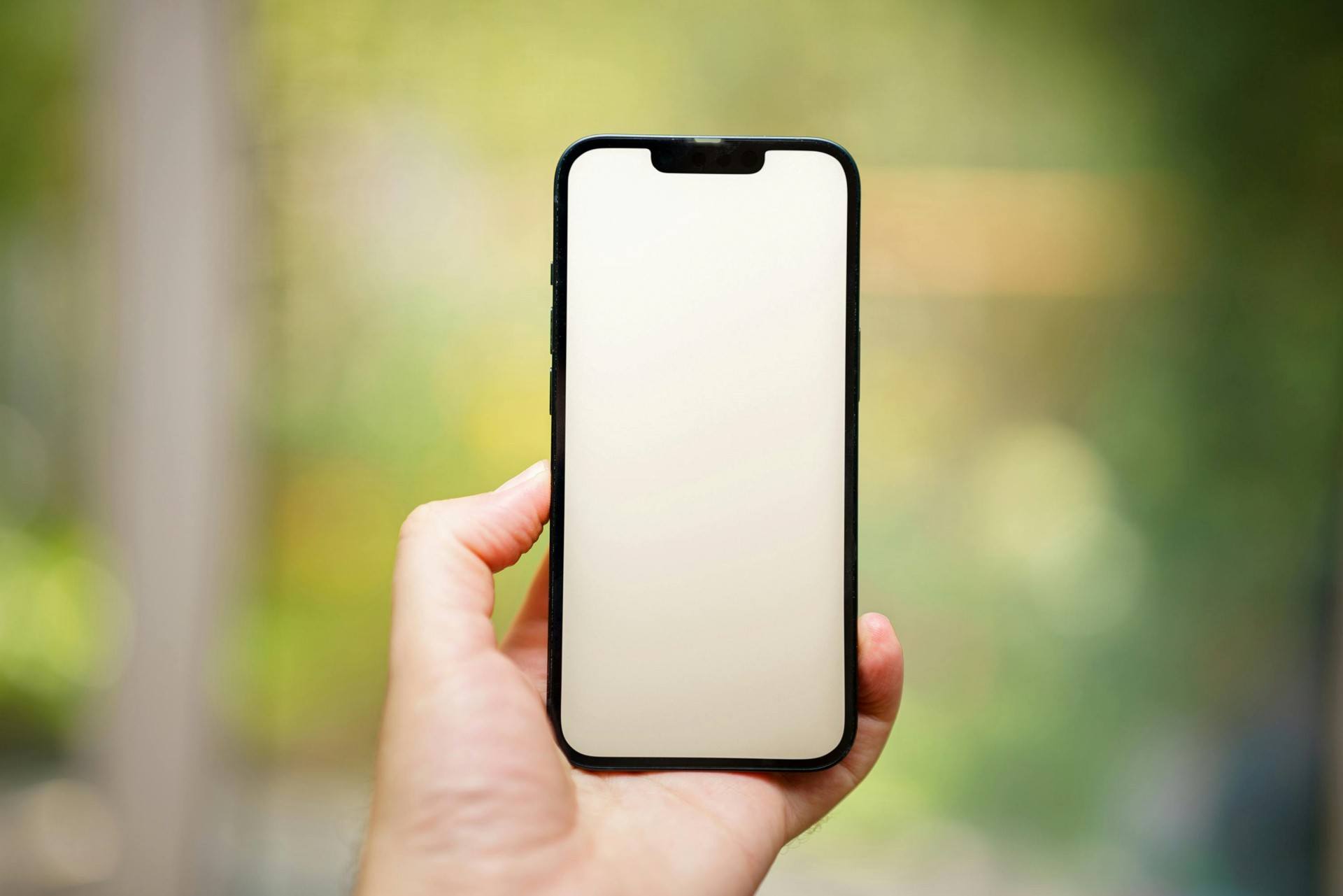
Your phone is one of the most used, most touched, and most valuable items you carry every day. It goes wherever you go—your office, home, gym, market, bus, train, and sometimes even your bed. With so much daily use, it’s no surprise that the screen is the part most likely to get damaged.
In modern smartphones, the display is also one of the most expensive components to repair or replace. A cracked LCD or touchscreen not only looks bad but can also affect usability, touch response, and even safety.
“A single moment of carelessness can break a screen, but consistent care can protect it for years.”
This guide explains how to protect your phone screen and LCD from damage using simple, proven, and up-to-date methods. Whether you’re using an iPhone, Samsung, Xiaomi, OnePlus, Vivo, Oppo, Motorola, or any other brand, the principles remain the same.
Why Phone Screens Need Extra Protection
Smartphone screens today use high-quality, sensitive materials for better viewing and touch response. Technologies like Gorilla Glass, Ceramic Shield, and AMOLED panels offer durability, but no display is completely unbreakable.
Common causes of screen damage:
- Accidental drops
- Keys or coins scratching the screen
- Pressure inside pockets or bags
- Sitting on the phone
- Screen hitting corners or edges
- Lack of a protective case or screen guard
- Temperature changes
- Moisture exposure
Even with toughened glass, the display can crack from a minor fall at the wrong angle.
That’s why protecting your phone screen is not just recommended—it’s essential.
Understanding Your Phone’s Screen: What Makes It Vulnerable
Most modern screens are multi-layered, consisting of:
- Glass or protective layer
- Touch digitizer
- Display panel (LCD, OLED, or AMOLED)
When a phone falls:
- The glass may crack
- The digitizer may lose touch sensitivity
- The LCD may show black spots, lines, or no display
Even a hairline crack can spread over time. A small impact today can lead to a major break tomorrow.
Knowing these vulnerabilities helps you take preventive steps proactively.
“Screens are strong, but they’re not invincible. Protecting them is protecting your entire device.”
1. Use a High-Quality Case: Your First Line of Defense
A protective case absorbs impact and reduces the force reaching the screen.
Types of cases that offer strong screen protection:
✔ Rugged or shockproof cases
Ideal for people who drop their phones often.
✔ TPU (soft rubber) cases
Affordable, flexible, and good for daily use.
✔ Hybrid cases (TPU + hard shell)
Balance between durability and comfort.
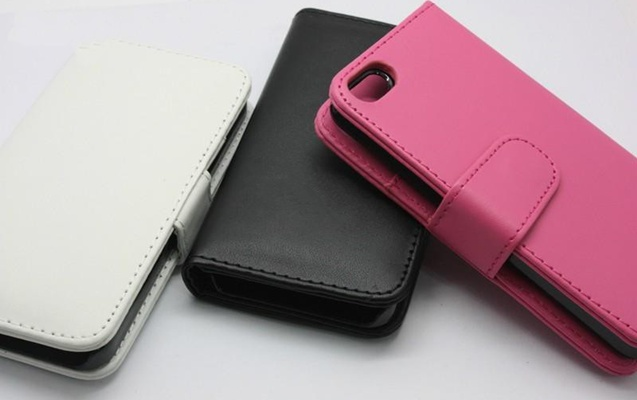
✔ Wallet or flip cases
Protects both front and back.
✔ MagSafe or magnetic cases (for compatible models)
Convenient and secure.
Why cases matter:
- Reduce screen-shattering on impact
- Protect phone corners (the weakest impact point)
- Offer grip to prevent accidental slips
- Prevent scratches from surfaces
A case is cheaper than a screen replacement—and can protect your phone for years.
2. Use a Screen Protector (Tempered Glass or Hydrogel)
Screen guards are essential for protecting against scratches, scuffs, cracks, and impact.
Types of screen protectors:
✔ Tempered Glass
- Most widely used
- Excellent protection against drops
- Scratch-resistant
- Affordable
✔ Hydrogel Film
- Soft, flexible
- Self-healing properties
- Ideal for curved screens
✔ Privacy Screen Protectors
- Reduces viewing angles
- Protects screen and privacy
✔ Matte Screen Protectors
- Reduces glare
- Prevents fingerprints
A good screen guard can absorb impact and break instead of your actual screen—saving you thousands in repairs.
3. Avoid Keeping Your Phone in Pockets with Sharp Objects
Keys, coins, pens, and other metal items can scratch the glass, even if it’s toughened.
Always use separate pockets for your phone.
If you’re carrying a bag:
- Use a dedicated phone compartment
- Avoid tight pockets with pressure
This reduces both scratches and bending pressure on the screen.
4. Clean Your Screen Properly and Regularly
Dust, dirt, sand particles, and oils from your hands can wear down protective coatings and cause micro-scratches.
Clean safely using:
- Microfiber cloth
- Screen cleaning spray (phone-safe)
- Slightly damp cloth with distilled water
- Isopropyl alcohol (70% or lower for screens)
Do NOT use:
- Tissue paper (abrasive)
- Household cleaners
- Sanitizer
- Perfumes or deodorants
- Paper towels
Proper cleaning maintains clarity and prolongs the life of the display’s protective layer.
5. Handle Your Phone Mindfully
Small habits make a big difference.
Avoid:
- Using your phone while walking on stairs
- Holding it loosely with one hand
- Placing it near edges of tables
- Keeping it on your lap (easy to forget and drop)
- Using it while your hands are wet
Adopt:
- Using both hands when possible
- Secure grip while talking
- Keeping the phone on stable surfaces
Mindful handling can reduce drops by over 70%.
6. Keep Your Phone Away from Heat and Direct Sunlight
High temperature weakens display adhesives and increases the risk of cracks.
Heat sources to avoid:
- Car dashboards
- Direct sunlight
- Hot surfaces
- Gaming while charging (overheating)
Excessive heat also affects touchscreen responsiveness and LCD health.
7. Avoid Exposing Your Phone to Moisture
Even water-resistant phones are not waterproof. Moisture can enter through:
- Charging port
- Earpiece
- Speaker grill
- Side buttons
This can cause:
- Display fogging
- Touch malfunction
- LCD discoloration
Keep your phone away from:
- Steam
- Showers
- Rain
- Wet surfaces
Moisture + screen = long-term damage.
8. Do Not Apply Too Much Pressure on the Screen
Common pressure risks include:
- Keeping the phone in the back pocket and sitting on it
- Sleeping on the phone
- Storing it under heavy books
- Pressing too hard on the touch panel
This can damage:
- LCD layers
- Digitizer
- Display adhesives
Use gentle touches; modern screens are sensitive enough.
9. Protect the Screen with a Proper Pouch or Sleeve
This traditional method is still effective.
Benefits:
- Prevents dust
- Cushions accidental bumps
- Protects from scratches inside bags
Choose padded, soft-touch pouches for maximum safety.
10. Use Mobile Holders and Stands to Prevent Drops
Using stands reduces accidental falls when:
- Watching videos
- Making video calls
- Using GPS
Even a small drop from a table can crack a screen if it hits the wrong angle.
11. Be Careful When Charging Your Phone
Dropping the phone while charging is one of the most common causes of cracked screens.
Tips:
- Avoid using the phone while charging
- Keep the cable untangled
- Ensure the charging port area is stable
A simple fall from bed height can break the display.
12. Invest in a Quality Phone Insurance or Screen Replacement Plan
Many brands and carriers offer:
- Accidental damage protection
- Screen replacement coverage
- Low-cost repair plans
This reduces the financial impact if the screen ever cracks.
13. Keep a Good Grip: Use a PopSocket or Grip Ring
These accessories:
- Reduce accidental drops
- Provide better one-hand operation
- Help during photography
Better grip = fewer falls = longer screen life.
14. Understand That Corner Impacts Are the Most Dangerous
Screens rarely break from flat-faced impacts.
They break when the phone hits corners or edges.
That’s why:
- Cases with raised edges
- Screen protectors
- Shock-absorbing bumpers
are so important.
15. Replace a Damaged Screen Protector Immediately
A cracked tempered glass still offers less protection.
Replace it as soon as it breaks, even lightly.
This ensures your real screen stays protected.
16. Don’t Ignore Small Cracks or Chips
A tiny crack can spread due to:
- Heat
- Pressure
- Moisture
- Daily usage
Repairing early prevents bigger damage.
Internal Linking Suggestions
(Include these at the end of the article, not inside the content)
- Also read: How to Clean and Service Your Cell Phone
- Also read: Common Mobile Phone Faults and How to Avoid Them
- Also read: How to Protect Your Phone Battery Life
Conclusion
Protecting your phone screen is about combining the right accessories with good habits. Cases, screen protectors, and mindful handling go a long way in preventing screen cracks. Proper cleaning, temperature control, and safe storage add further protection. A well-maintained screen not only avoids expensive repairs—it keeps your phone looking new, working smoothly, and lasting longer.
“Your phone’s screen is the window to everything it can do—protect it, and it will serve you without interruption.”
Taking small steps today prevents costly repairs tomorrow.