
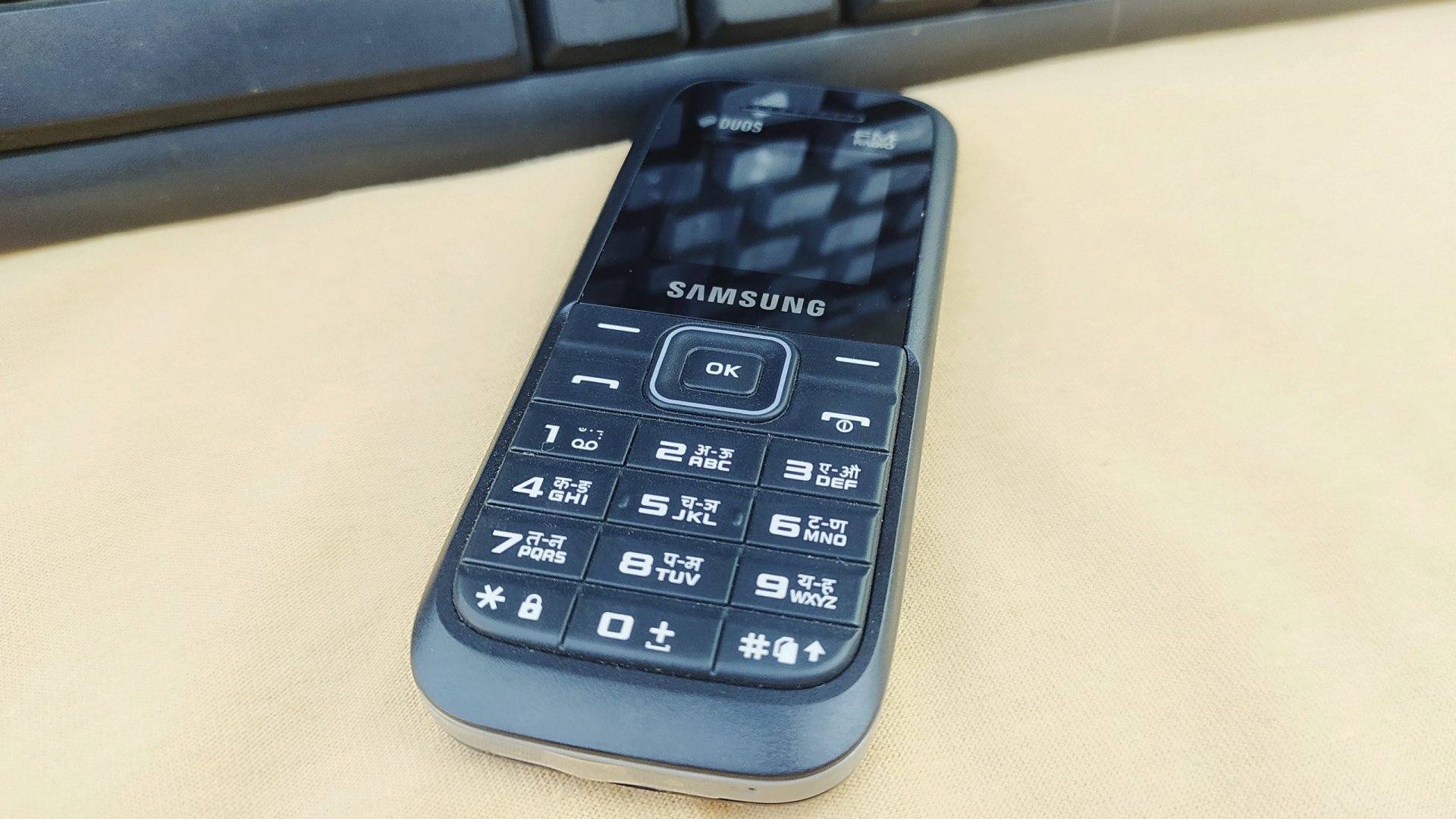
Feature phones and older keypad handsets were shipped with simple, factory-set numeric security codes. These default codes made it possible to access restricted settings, unlock keypads, or perform factory resets. Today’s smartphones use stronger security methods and cloud-linked protections, so factory default codes no longer apply to most modern devices.
If you work in phone repair, refurbishing, or support people with older phones, knowing default codes is still useful. But it’s equally important to understand what modern devices use instead and how to protect devices and data safely.
“Security habits matter more than default numbers — change defaults, back up data, and use account protection.”
1. What exactly is a “default security code”?
A default security code is a simple numeric password pre-programmed by the manufacturer and set at the factory. It usually appears on feature phones and older models to:
- Unlock the keypad or basic menus
- Allow access to restricted settings (call barring, SIM lock, etc.)
- Permit a simple restore or soft reset in older firmware
These codes are intentionally simple (e.g., 0000, 1234) because the user is expected to change them during setup.
2. Feature phones vs modern smartphones — the difference
Feature phones (keypad / basic phones)
- Often shipped with a factory code (4–6 digits).
- Codes are consistent across many models from the same brand.
- Used to unlock keys, parental controls, or reset options.
- Still common in low-cost or legacy markets.
Modern smartphones (Android / iPhone / iOS)
- Use PINs, passwords, patterns, fingerprints, Face ID.
- Rely on account-based protections (Google Account / Apple ID).
- Include Factory Reset Protection (FRP) or Activation Lock, which tie the device to the owner’s account after a reset.
- No universal default numeric code is usable to bypass security.
In short: default numeric factory codes = feature phones; modern smartphones = stronger, account-based security.
3. Common default codes used on feature phones
Below are default codes commonly found on older or basic feature phones. These are factory values — they will not work if the user changed them.
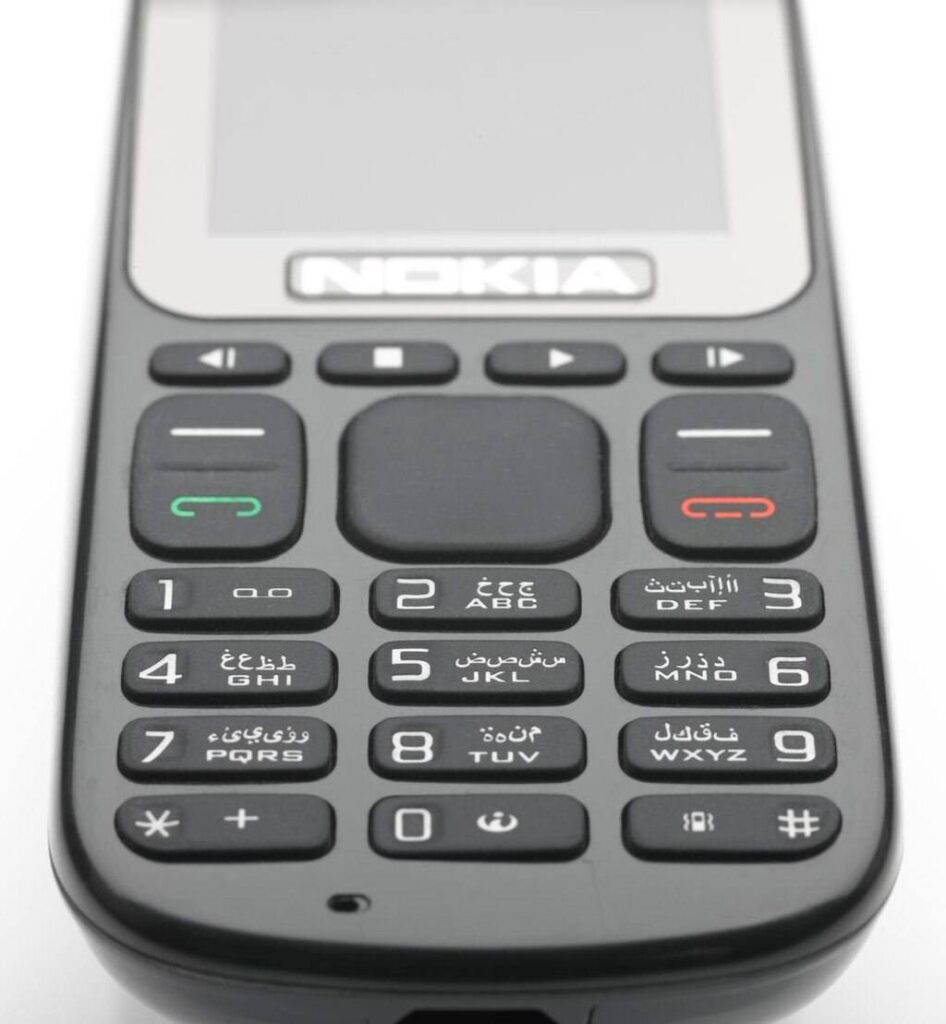
- Nokia —
12345 - Samsung (older/keypad models) —
0000(also 000000 or 00000000 on some models) - Generic Chinese/entry-level brands —
0000,1122,1234 - Sony / LG / Motorola (older models) —
0000,1234 - Lava (feature phones) —
4321
Note: Most new keypad phones today do not come with a default factory security code. Instead, the device asks you to set your own security code the first time you open any security setting such as phone lock, SIM lock, or restore options. This means the phone will not accept generic codes like 0000 or 1234 unless you set them yourself.
Once you create your personal code, you must remember it, because the phone will ask for the same code every time you change settings or perform a reset. If you forget it, the device may get locked and you may need professional help to unlock it.
Note: These codes are for feature and keypad phones only. They do not unlock modern Android phones or iPhones. If you try these on a modern smartphone you will not bypass account locks.
4. Why modern smartphones don’t use default codes
Smartphones are designed to protect user data better than older feature phones. Reasons include:
- Biometric security (fingerprint, facial recognition) offers stronger protection.
- Account-based security ties a device to a Google or Apple account; after a reset the account credentials are required. This prevents theft and unauthorized reuse.
- Regulatory and market pressure pushed manufacturers to improve anti-theft features.
- Frequent software updates hardened OS layers; a simple factory code would be a major vulnerability.
Therefore, the idea of a universal factory code for modern phones is outdated and inaccurate.
5. When you might encounter default codes today
Default codes still appear in a few real-world scenarios:
- Repairing or testing feature phones and basic handsets.
- Working with old stock or refurbished keypad devices.
- Accessing service menus on some low-end models used by technicians.
- Handling legacy devices for users in regions where feature phones remain popular.
If your work or audience includes any of the above, knowing default codes is useful.
6. What to do if default codes don’t work
If the factory code returns “WRONG CODE” or “CODE ERROR”, it usually means:
- The owner changed the code.
- The device was previously owned and customized.
- There may be a software fault or corruption.
Safe next steps:
- Ask the owner for the custom code if possible.
- Back up any accessible data before making changes.
- For feature phones: try known manufacturer defaults (carefully).
- For smartphones: rely on account recovery (Google/Apple) or authorized service channels.
- When unknown, seek professional technician help to avoid permanent lockouts.
Important: Avoid repeated wrong attempts — too many tries can permanently lock some devices.
7. Security best practices — change defaults immediately
If you have a feature phone with a factory code, change it immediately to protect your personal data.
Best practices:
- Set a unique PIN or code you can remember.
- Use longer PINs when possible.
- Don’t share your code.
- Back up contacts and important data regularly.
- Remove default codes before donating or selling a device.
Bold tip: Always replace factory defaults with a unique code you control.
8. Smartphones: what protects you instead of default codes
Modern devices rely on layered protection:
- Screen lock (PIN, password, pattern)
- Biometric locks (fingerprint, Face ID)
- Cloud account protection (Apple ID, Google Account)
- Find My Device / Activation Lock — requires account login after reset
- Two-factor authentication (2FA) on the associated account
These protections make the simple default code model obsolete and far less secure for smartphone use.
9. Advice for technicians and repair shops
If you repair phones, follow these ethical and practical rules:
- Always ask for proof of ownership before unlocking or resetting any device.
- Use manufacturer-authorized procedures to avoid damaging the device.
- Warn customers that a factory reset will erase any local data.
- For modern smartphones, advise customers to remove their Google/Apple account before servicing (when possible).
- Keep updated on brand-specific service tools and official unlock procedures.
- Keep a clean record of actions taken during repair for transparency.
These steps build trust and protect you legally.
10. Final checklist: handling default codes safely
- Confirm device type: feature phone or smartphone.
- If feature phone, consult manufacturer default list (and owner confirmation).
- Back up data if possible.
- Change defaults immediately once you access the device.
- For smartphones, use account recovery and authorized tools only.
- Never try to bypass account locks with unauthorized methods.
Conclusion
Default factory security codes are a legacy feature primarily tied to feature (keypad) phones and basic handsets. They are not applicable to the majority of modern smartphones, which use stronger, account-based security and biometric methods. If you handle older devices, knowing the common defaults is useful — but for modern iPhones and Android devices, rely on proper account recovery, official unlock routes, and secure reset procedures.
“Technology changes — security habits should too. Replace defaults with strong, memorable protections and keep backups.”