
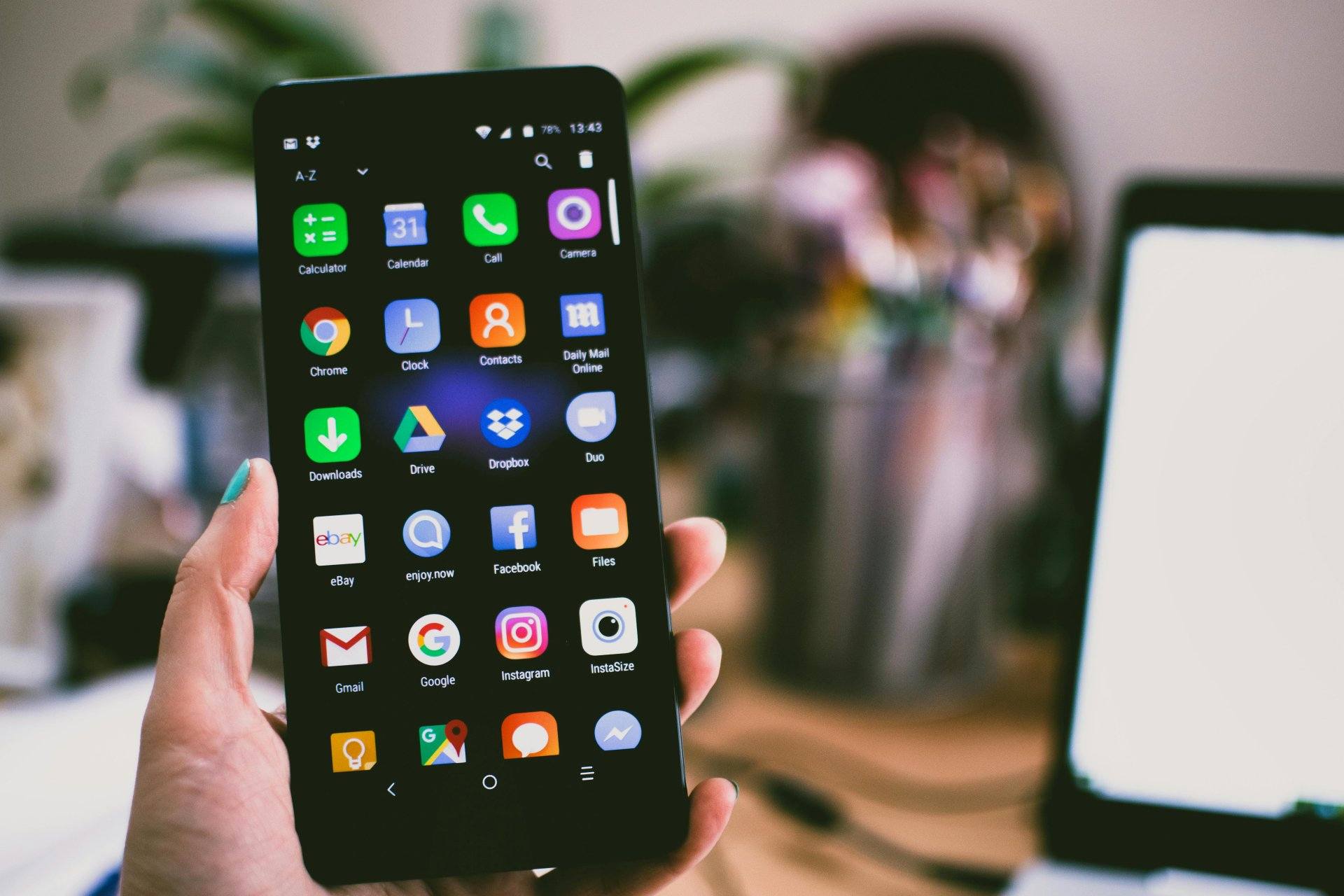
Smartphones have become an essential part of daily life. We depend on them for calls, work, payments, photos, navigation, and entertainment. But at the same time, modern smartphones are more powerful and more delicate than older mobile phones.
A small mistake can lead to problems like phone switching off on its own, battery draining fast, unexpected restarting, overheating, or even permanent damage. The good news is that most of these problems are preventable with the right habits.
“A phone doesn’t fail suddenly. It wears out slowly because of how it’s used.”
This guide shares 10 smart, real-world tips to help your smartphone, Android device, or iPhone last longer—both physically and internally. These tips are based on practical experience, common repair issues, and how phones actually fail over time.
Why Smartphone Maintenance Matters More Than Ever
Modern devices use:
- High-density lithium-ion batteries
- Fragile glass displays
- Compact circuit boards
- Powerful processors that generate heat
Because of this, poor handling can lead to:
- Shutting down unexpectedly
- Switching off with full battery
- Restarting again and again
- Charging and power IC problems
- Data loss
Proper maintenance does not mean expensive accessories. It means using your phone correctly, consistently, and carefully.

1. Protect the Screen and Body from Day One
The display is the most fragile and expensive part of a smartphone.
What to do:
- Use a good-quality screen protector (tempered glass preferred)
- Add a shock-absorbing back cover
- Avoid ultra-thin covers that offer no edge protection
A cracked screen can allow dust and moisture to enter, leading to internal problems that later cause the phone to start turning off by itself.
Tip from technicians:
Most motherboard corrosion cases start after a minor screen crack that users ignore.
2. Charge Smartly, Not Constantly
Battery health plays a major role in long phone life. Poor charging habits are a top reason phones start shutting down or restarting randomly.
Healthy charging habits:
- Avoid charging to 100% all the time
- Avoid letting the battery drop to 0%
- Keep battery levels roughly between 20% and 85%
- Unplug once charging is complete
Avoid:
- Overnight charging daily
- Cheap or duplicate chargers
- Power banks with unstable output
A weak or damaged battery is a common reason for:
- Phone switching off with full battery
- Sudden shutdown during calls
- Phone turning off when unplugged
3. Always Use Original or Certified Accessories
Chargers, cables, and adapters directly affect your phone’s internal power system.
Using low-quality accessories can damage:
- Charging IC
- Power IC
- Battery cells
- USB port
This damage often shows up later as:
- Slow charging
- Heating
- Phone restarting on its own
- Random shutdowns
Rule:
If a charger feels unusually hot, stop using it.
4. Keep Your Phone Cool and Well-Ventilated
Heat is one of the biggest enemies of smartphones.
Avoid:
- Leaving your phone in cars
- Using heavy apps while charging
- Covering the phone while gaming or charging
- Keeping it under pillows or beds
Excessive heat can cause:
- Battery swelling
- CPU throttling
- Automatic shutdown to protect hardware
Phones that overheat repeatedly often start switching off again and again.
5. Protect Your Phone from Water and Moisture
Water damage does not always kill a phone instantly.
Moisture can slowly:
- Corrode circuit tracks
- Damage connectors
- Create short circuits
This leads to delayed issues like:
- Phone powering off randomly
- Display flickering
- Charging problems
- Phone shutting down without warning
If your phone gets wet:
- Switch it off immediately
- Do not charge it
- Dry it thoroughly
- Seek professional cleaning if needed
Important:
Even humidity can damage phones over time, not just direct water exposure.
6. Handle the Phone Gently (Drops Matter)
Even if your phone still works after a fall, internal damage may already have started.
Common hidden damage includes:
- Loose battery connectors
- Cracked solder joints
- Power IC stress
These issues often cause:
- Phone turning off by itself
- Restarting when shaken
- Sudden shutdown during movement
Avoid:
- Throwing the phone on beds or sofas
- Keeping it loose in pockets with keys or coins
- Shaking the phone unnecessarily
7. Keep Software Clean and Updated
Software health is just as important as hardware.
Best practices:
- Install updates from official sources only
- Avoid unknown apps and mod files
- Uninstall unused apps
- Restart your phone occasionally
Corrupt software can cause:
- System crashes
- Boot loops
- Automatic restarting
- Random shutdowns
A bloated system puts extra pressure on the processor and battery, reducing lifespan.
8. Secure Your Phone Properly
Security is not just about privacy. It also protects your device from misuse.
Always:
- Use screen lock (PIN, pattern, biometrics)
- Enable SIM security where needed
- Turn on Find My Device / Find My iPhone
Unauthorized access or malware can:
- Run background processes
- Drain battery
- Cause overheating
- Trigger unexpected shutdowns
9. Clean Your Phone the Right Way
Dust and dirt affect ports, speakers, and buttons.
Safe cleaning tips:
- Use a soft, dry microfiber cloth
- Clean charging ports gently
- Avoid liquid cleaners directly on the device
- Never use sharp objects in ports
Blocked charging ports can lead to:
- Incomplete charging
- Heating
- Phone switching off due to power issues
10. Back Up Data and Act Early on Problems
Often, data is more valuable than the phone itself.
Why backups matter:
- Phones can fail suddenly
- Power issues may worsen quickly
- Repairs sometimes require data reset
If you notice:
- Frequent restarting
- Sudden shutdowns
- Phone switching off on its own
Do not ignore it. Early repair saves money and prevents total failure.
“Most phone deaths happen because warning signs were ignored.”
Extra Technician Tips for Long Phone Life
- Avoid using phones while charging heavily
- Do not expose phones to extreme cold
- Replace batteries when health drops significantly
- Do not ignore minor power issues
- Get internal cleaning done if phone is old
These small steps prevent major failures like shutting down repeatedly or motherboard damage.
Common Myths About Phone Maintenance
❌ Closing apps saves battery
✔ Modern systems manage apps automatically
❌ Fast charging ruins phones
✔ Certified fast charging is safe
❌ Restarting harms the phone
✔ Occasional restarting improves stability
Conclusion
A smartphone can last many years if treated correctly. Most problems—like turning off by itself, random restarting, or shutting down unexpectedly—are caused by poor habits, not bad devices.
With simple care, proper charging, and timely attention, your mobile phone can stay reliable, fast, and safe for a long time.