
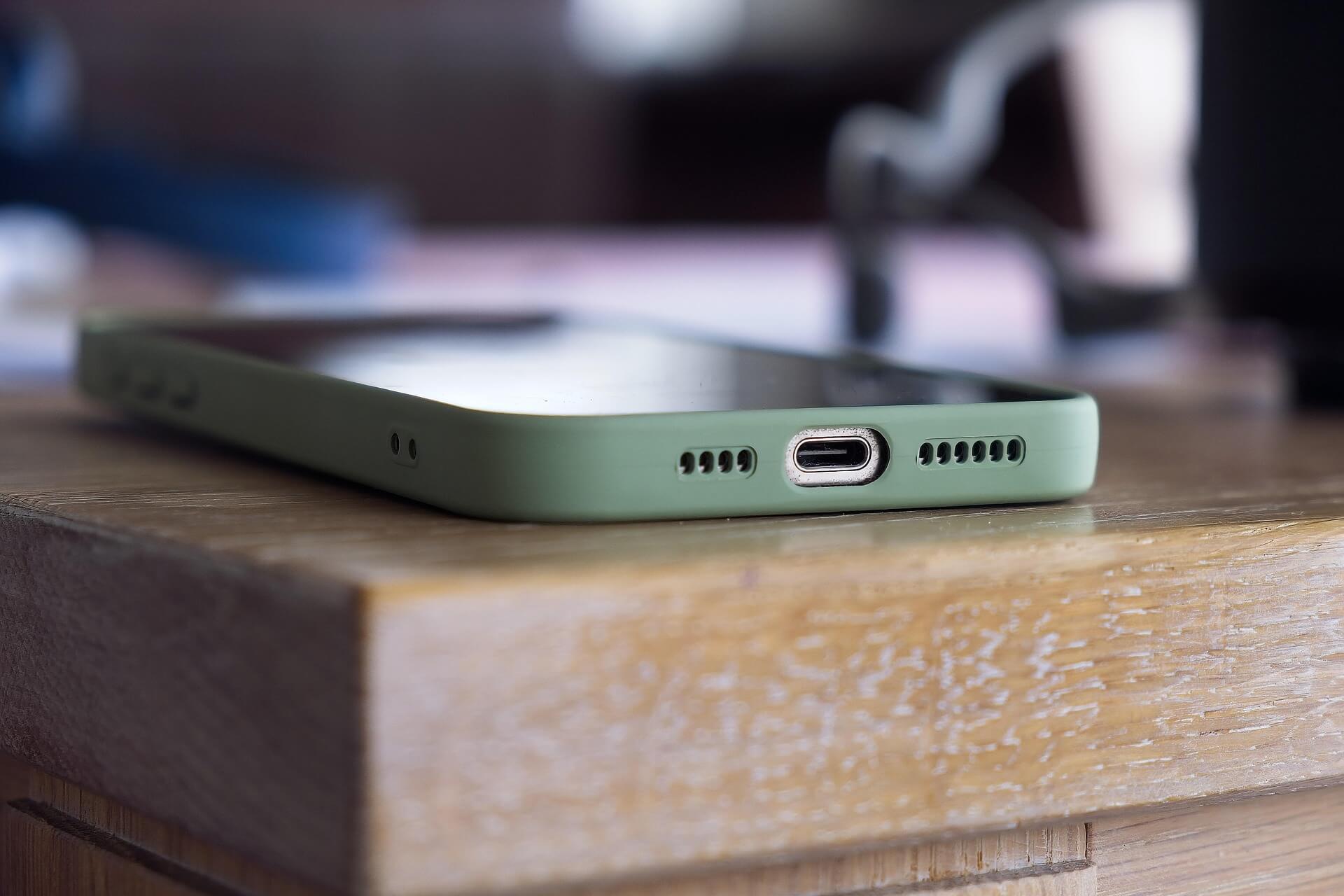
If you own an iPhone, you already know it is not a small investment. You want it to last long, run smoothly, and stay in good condition. But many people end up spending a lot on repairs because their phones get damaged, slow down, or face battery issues. The good news is that you can avoid most of these problems by learning how to extend the life of your iPhone and following a few simple habits every day.
This guide is based on real experiences shared by Apple technicians, repair experts, and long-time iPhone users. It includes only authentic information so you can trust what you are reading.
Why it is Important to Learn How To Extend The Life of Your iPhone
Understanding how to extend the life of your iPhone can save you a lot of trouble later. iPhone repairs like screen changes, back-glass replacement, and battery replacements can be expensive. In some cases, they cost almost half the price of a new phone.
By learning how to care for your device, you benefit from:
- Less repair cost
- Better battery life
- Smoother performance
- Longer device lifespan
- Higher resale value
Most iPhones can last 4 to 6 years if you maintain them properly. So, these habits are worth your time.
1. Use a Strong Case and Quality Screen Protector
Physical damage is the most common reason iPhones need repairs. A single drop can crack the screen or damage internal components, especially the motherboard. So, one of the most basic but powerful steps in preventing repair is protecting your device.
Choose:
✔ A shock-resistant or military-grade case
✔ A tempered glass screen protector
✔ A case with raised edges to protect the camera lenses
Avoid carrying your phone with keys, coins, or sharp objects. Even tiny scratches can weaken the glass over time.
2. Follow Proper Battery Care to Keep Health High
Good battery health is essential if you want your iPhone to last several years. Apple uses lithium-ion batteries, and they age faster due to heat and overcharging. Proper charging habits pkays a major part in exteding the life of your iPhone or other smartphone and thereby preventing repairs.
⭐ Battery care tips:
- Keep battery between 20% and 80%
- Turn on Optimized Battery Charging
- Avoid charging overnight every day
- Use Apple-certified chargers
- Remove case if phone heats while charging
If you plan to store your iPhone unused for a long time, keep it at around 50% charge.
3. Keep Your iPhone Software Updated
Many users skip updates, but Apple releases them for a reason. Updates fix bugs, prevent crashes, and improve security. They may even help battery performance. This is a key step to avoid software related issues.
Do the following:
- Install system updates when available
- Restart your phone once a week
- Avoid third-party system cleaning apps
- Update apps regularly
Experts say that regular updates help prevent overheating, battery drain, and app glitches.
4. Smart Storage Management for Better Performance
Too little storage slows down the phone and causes freezing or lag. That is why storage care is equally important.
Useful storage tips:
- Keep 10–20% storage free
- Delete duplicate photos and downloaded files
- Enable Offload Unused Apps
- Move large files to iCloud or a computer drive
Try not to install heavy apps you do not use.
5. Prevent Overheating – A Silent Phone Killer
Heat destroys battery life faster than anything else. Many users ignore this, but temperature control is one of the strongest Tips For Preventing Repair.
Avoid:
🚫 Playing heavy games while charging
🚫 Leaving the phone inside a parked car
🚫 Keeping the screen brightness too high for long periods
If your iPhone feels hot:
- Close background apps
- Stop charging
- Remove the case
- Keep it in shade until temperature reduces
6. Charge Your iPhone Correctly
People damage their phones by using cheap chargers and overcharging. Safe charging is a crucial part of extending the life of your iPhone.
Recommended charging habits:
✔ Use original or MFi-certified chargers
✔ Prefer slow charging when possible
✔ Avoid fast charging all the time
✔ Do not use power banks of unknown brands
Wireless charging is fine, but it generates more heat, so avoid very long sessions.
7. Keep the Charging Port, Mic & Speakers Clean
Dust can block your microphone, reduce speaker volume, and disturb charging. For safe cleaning:
- Use a soft, dry brush
- Do not use needles or toothpicks
- Keep your phone in a clean pocket or bag
Many charging issues happen because people force the cable into a dusty port and bend the pins inside.
8. Reduce Battery Drain with Smart Usage
You can make battery life longer and reduce heating by following a few daily habits:
- Use Wi-Fi instead of mobile data when possible
- Turn on Low Power Mode when battery is low
- Disable Bluetooth, AirDrop, Location when unused
- Lower screen brightness when indoors
Small habits make a big difference in How To Extend The Life of Your iPhone: Tips For Preventing Repair.
9. Handle Your Phone Carefully
Even small drops and pressure can damage internal parts. Be mindful of how you use your iPhone.
Avoid:
🚫 Sitting with your phone in the back pocket
🚫 Keeping it under pillows while sleeping (heat danger)
🚫 Using it near water, sinks, pools, or rain without protection
Even water-resistant models can get damaged by steam or saltwater.
10. Replace Battery When Needed, Not Too Late
If your battery health falls below 80%, Apple recommends a replacement. For better safety and reliability:
✔ Use Apple Authorized Service Providers
✔ Avoid low-quality local batteries
A weak battery can swell and damage the display, causing expensive repairs.
Final Words
These simple steps will help you keep your iPhone fast, safe, and reliable for years.
To summarize, remember to:
⭐ Use a strong case and tempered glass
⭐ Protect and maintain battery health
⭐ Update iOS regularly
⭐ Manage storage wisely
⭐ Avoid overheating
⭐ Charge safely with certified chargers
⭐ Clean the ports carefully
⭐ Handle your iPhone with care
⭐ Replace the battery at the right time
With these habits, you save money, reduce repair needs, and enjoy a smooth, long-lasting iPhone experience.
Do let us know your views in the comments below.